Multimedia codecs and extra applications
Linux Mint 11 comes as a liveDVD. A liveCD is also available for people without a DVD burner or distributors established in the USA and Japan. The liveCD comes with less applications, no multimedia codecs and no restricted software, making it fit within 700MB and safely distributable in countries where the legislation allows patents to apply to software.From the liveCD, the installation of codecs and extra applications is now easier than ever.
You'll notice two links in the Welcome Screen:
- Upgrade to the DVD Edition
- Install Multimedia Codecs
- Menu->Sound and Video->Install Multimedia Codecs
- Menu->Administration->Upgrade to the DVD Edition
The Update Manager
The Update Manager is faster than before. It used to check your Internet connection, update its rules and look for package updates. Thanks to some refactoring and code changes it now only looks for package updates. The rules (which define the safety level for each package) are now embedded within the Update Manager and no longer need to be downloaded. When a new version of the rules is available, a new version of the Update Manager is released. The Update Manager then ignores all other updates. Afer updating itself it is restarted, so you're always using the latest Update Manager with the latest rules and it doesn't need to check the rules every time it looks for updates. The result is a safer yet faster Update Manager.One of the biggest improvement made to the Update Manager is how it now handles dependencies. It only shows updates, not their dependencies. If the ugprade of a package requires additional changes to your system a dialog pops up with a summary to show you which packages will be installed or removed. This brings a permanent fix to the notorious "Broken packages" message that used to appear before, and it also makes it much clearer which updates are available and what effect do their installation have on the system.
Artwork improvements
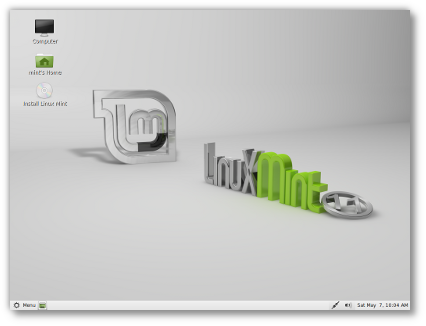
Linux Mint 11 uses the same GTK and icon themes as the previous release and brings further improvements.Backgrounds: This default background shows a 3D scene featuring the Linux Mint logo. It comes from an artist called Gelsan. Additional quality backgrounds are also available, including "Spring", "Bubbles" and "Bring me to life" by Pr09studio and some beautiful photographs from Jyothish Kumar P.G (aviatorjk).
Download:... Click To Download

Niciun comentariu:
Trimiteți un comentariu